Instant Delivery

Money Back Guarantee

Commercial license

No subscription
$15.00 Original price was: $15.00.$5.00Current price is: $5.00.SAVE $10.00
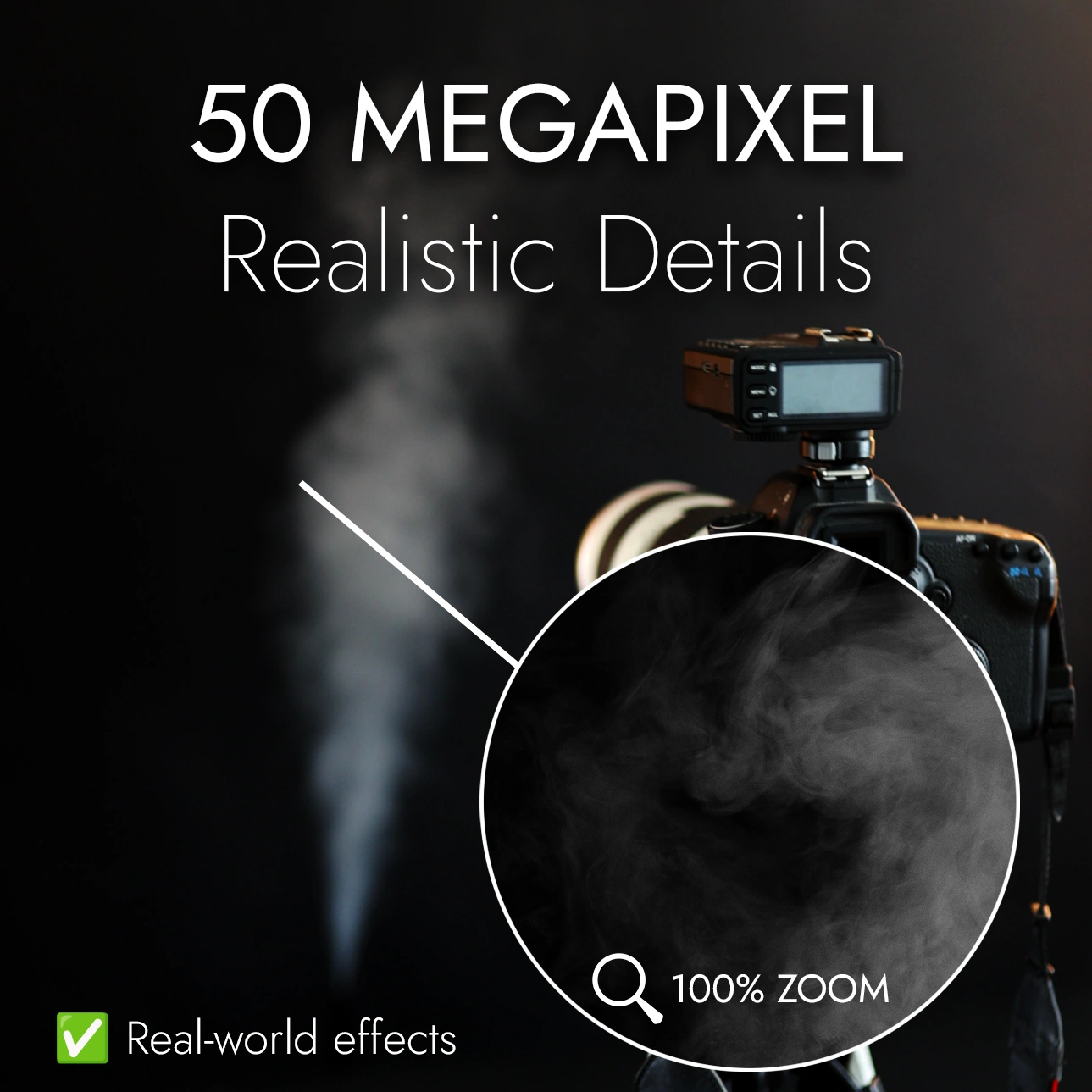
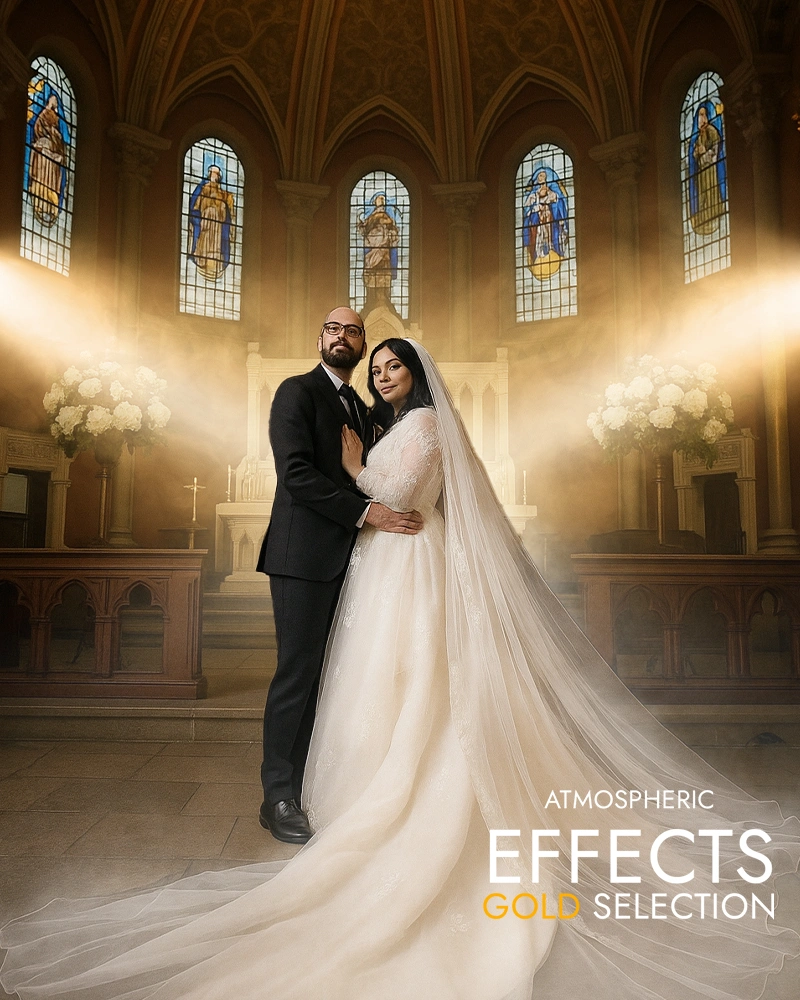
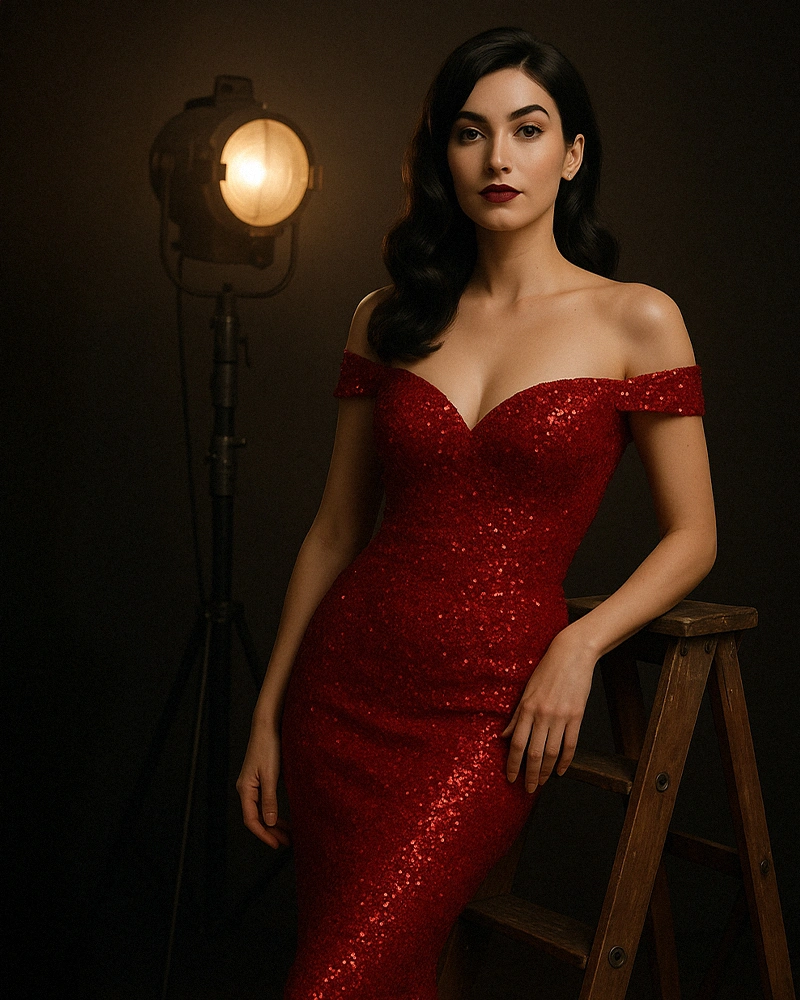
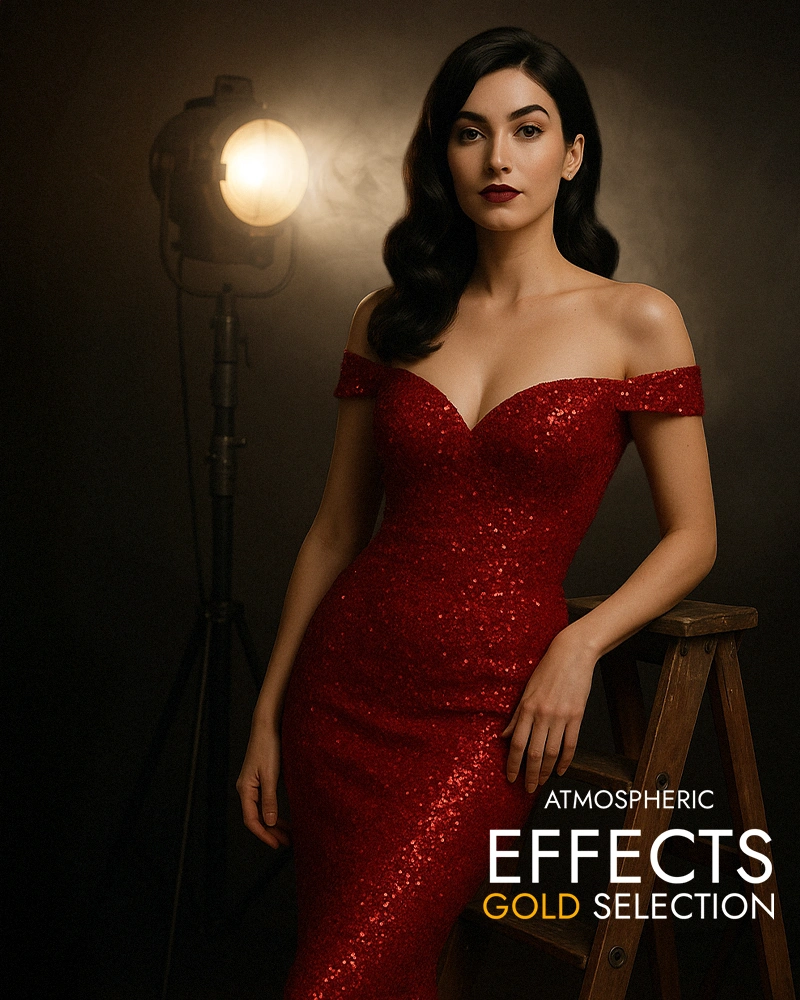
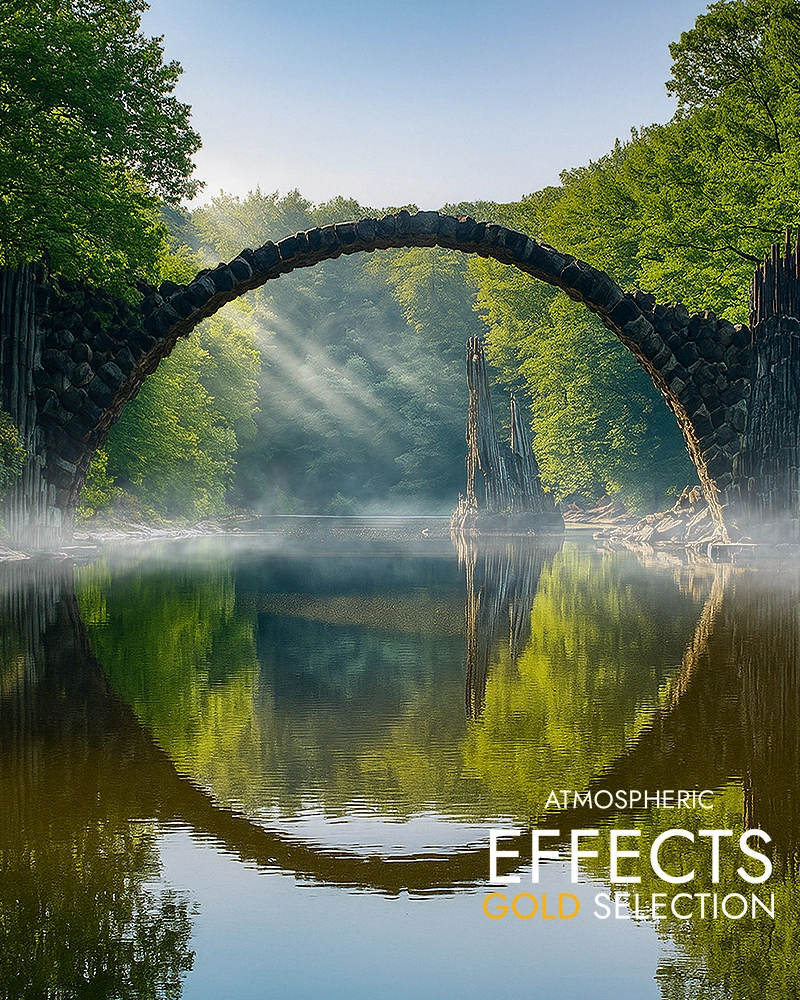
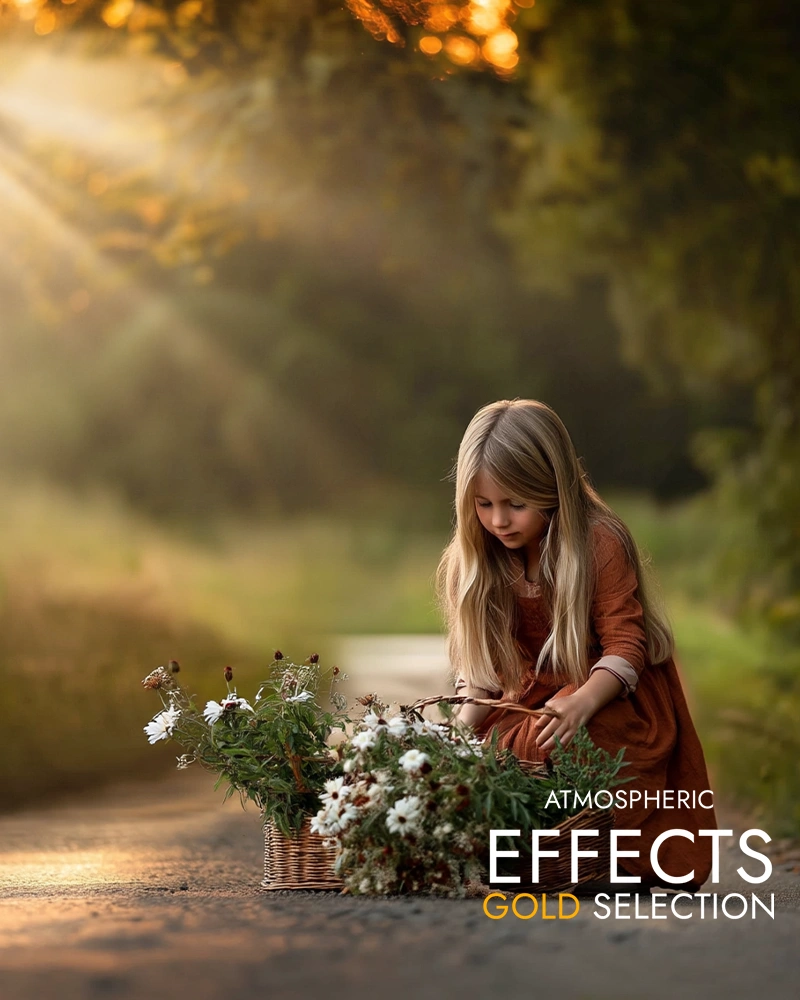
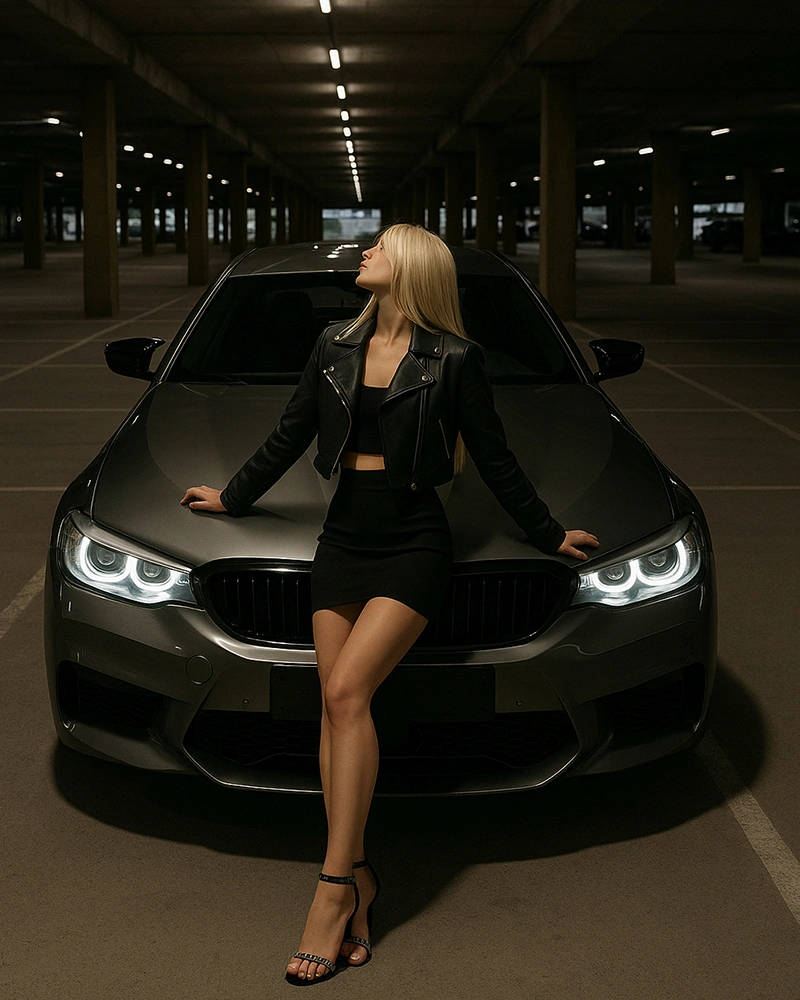
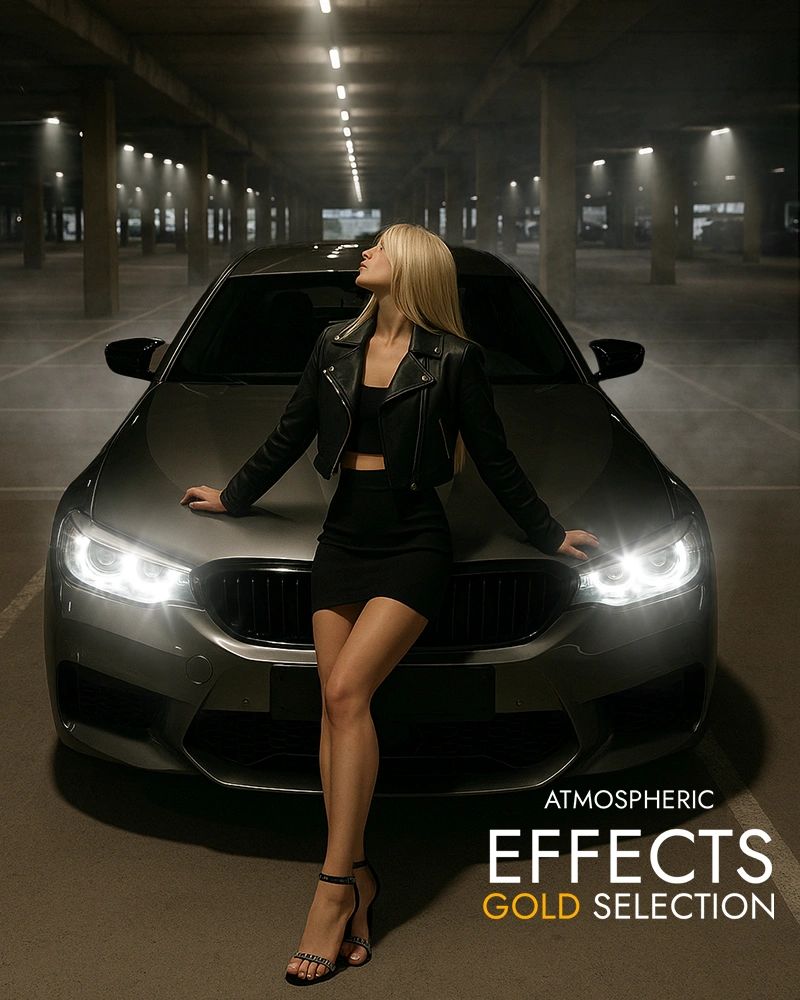
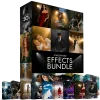
Real-world overlays and brushes, photographed in-studio at 50-megapixel resolution for unmatched realism and edits your audience will instantly love!
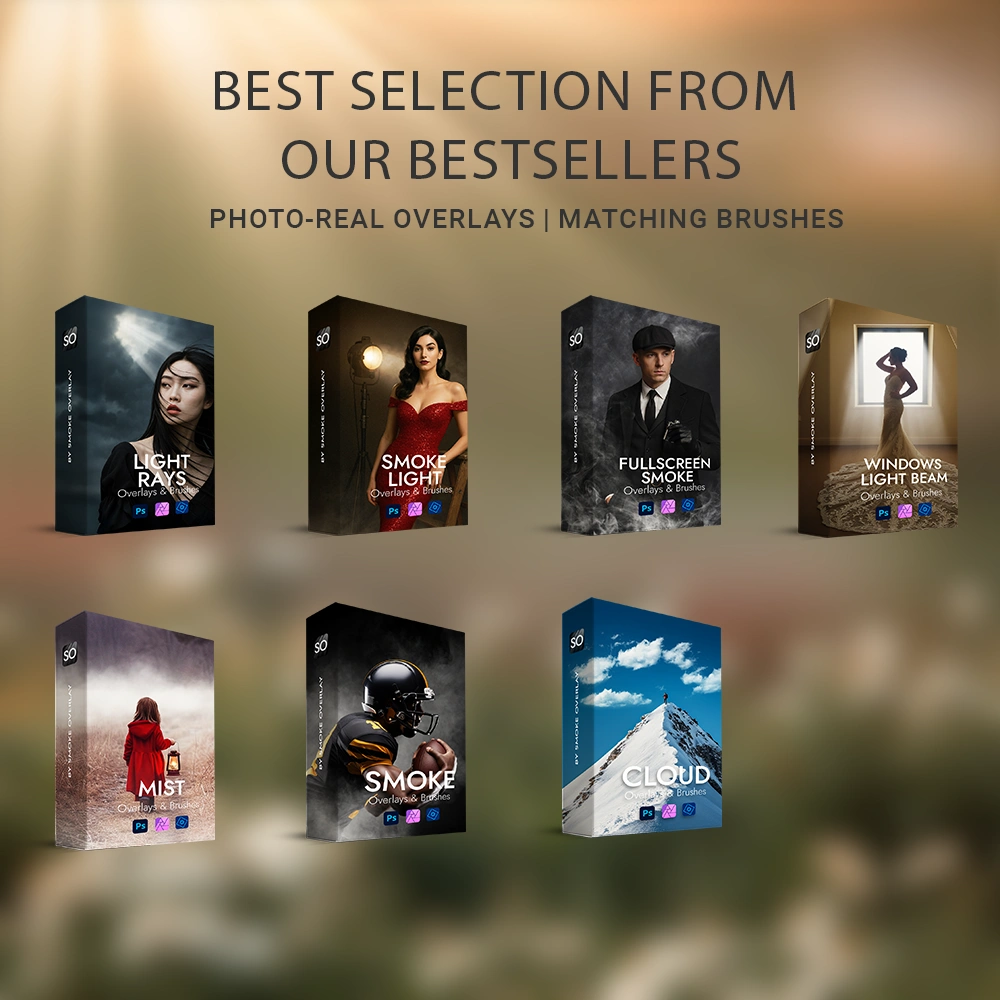
Smoke · Light Rays · Mist · Clouds · Lights · Window Light Beam · Full-screen Smoke
Get Instant Access to Your Product!
Refunds guaranteed within 30 days!
Sharp 50 Megapixel details, no AI.


Adobe Photoshop

Photoshop Elements
Affinity Photo
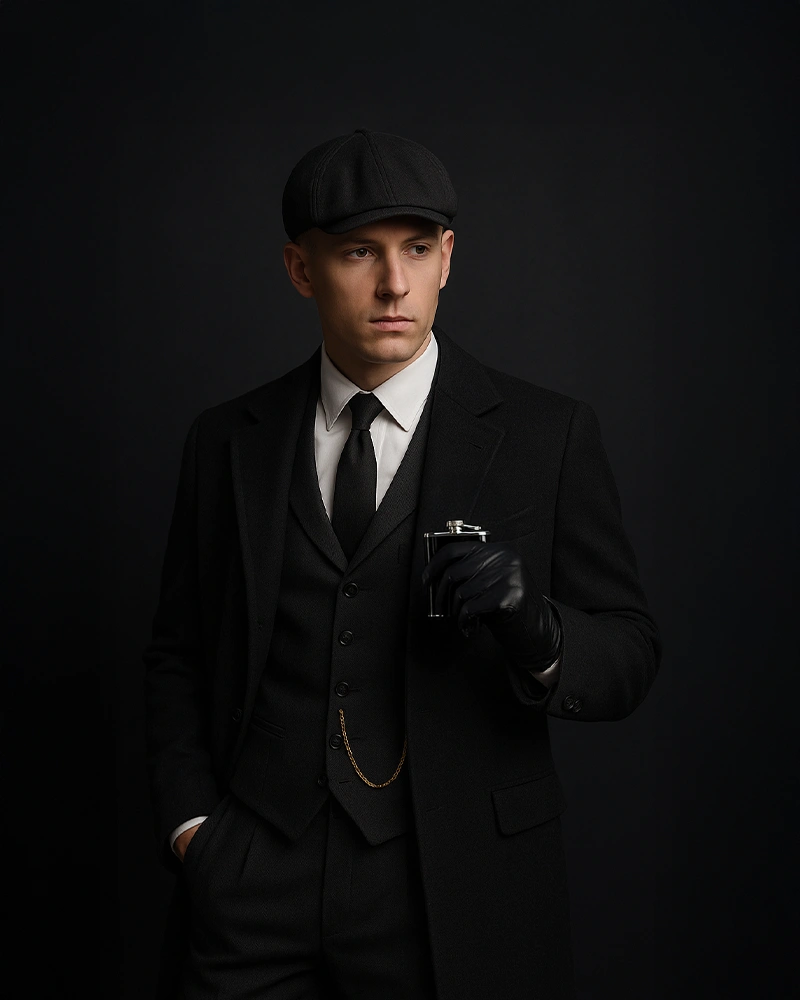
Scroll-stopping results in seconds
From flat to breathtaking - in just a few clicks!


RESULTS
DOWNLOAD
RESOLUTION
LICENSE
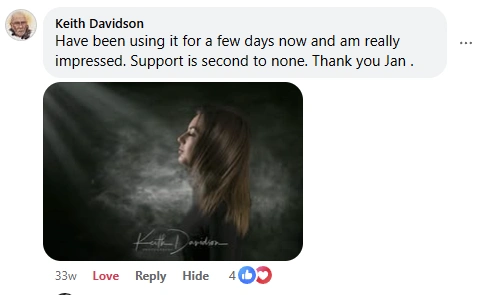
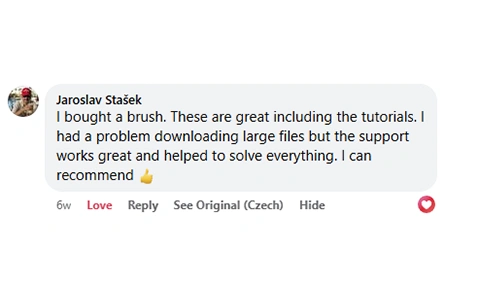
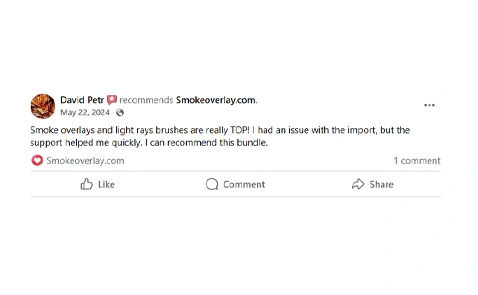
★★★★★ 4.7 / 5.0 Trusted by 1672+ Happy Photographers & Artists
These top tier realistic effects will change everything you’ve used before.


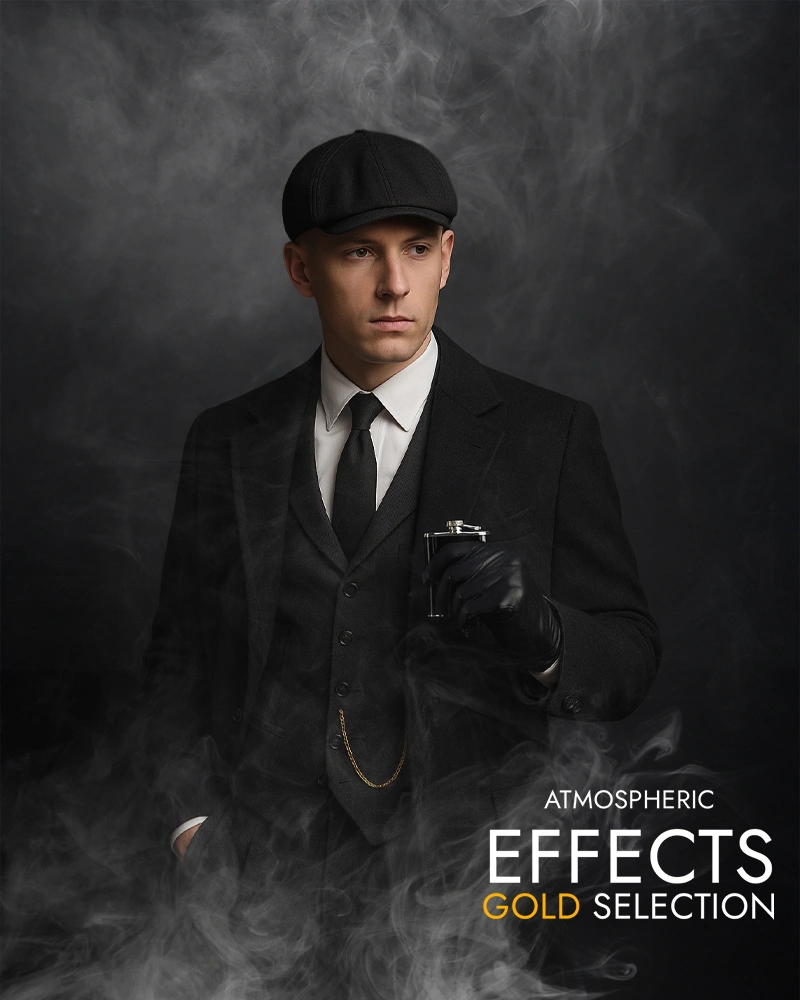
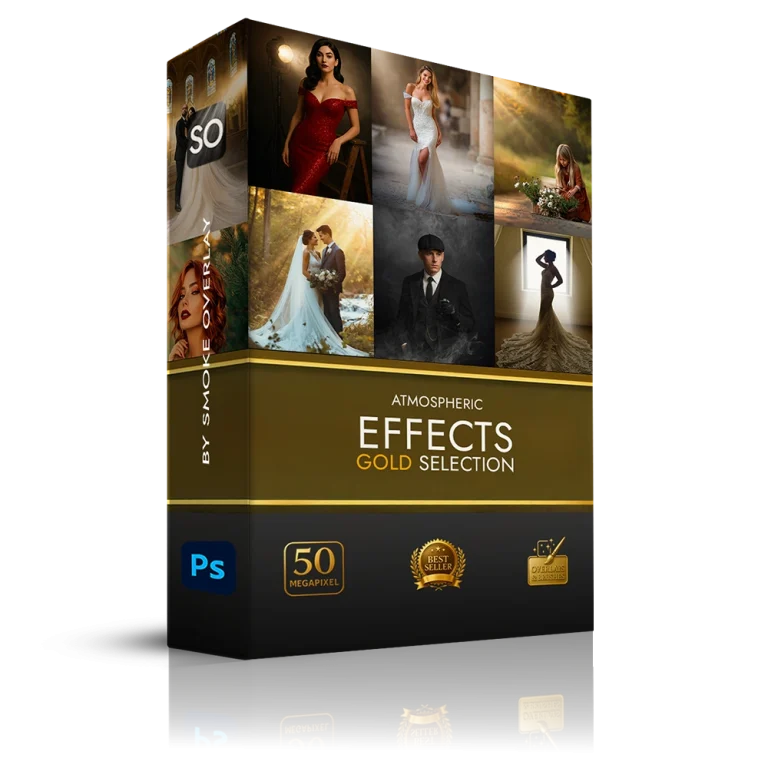
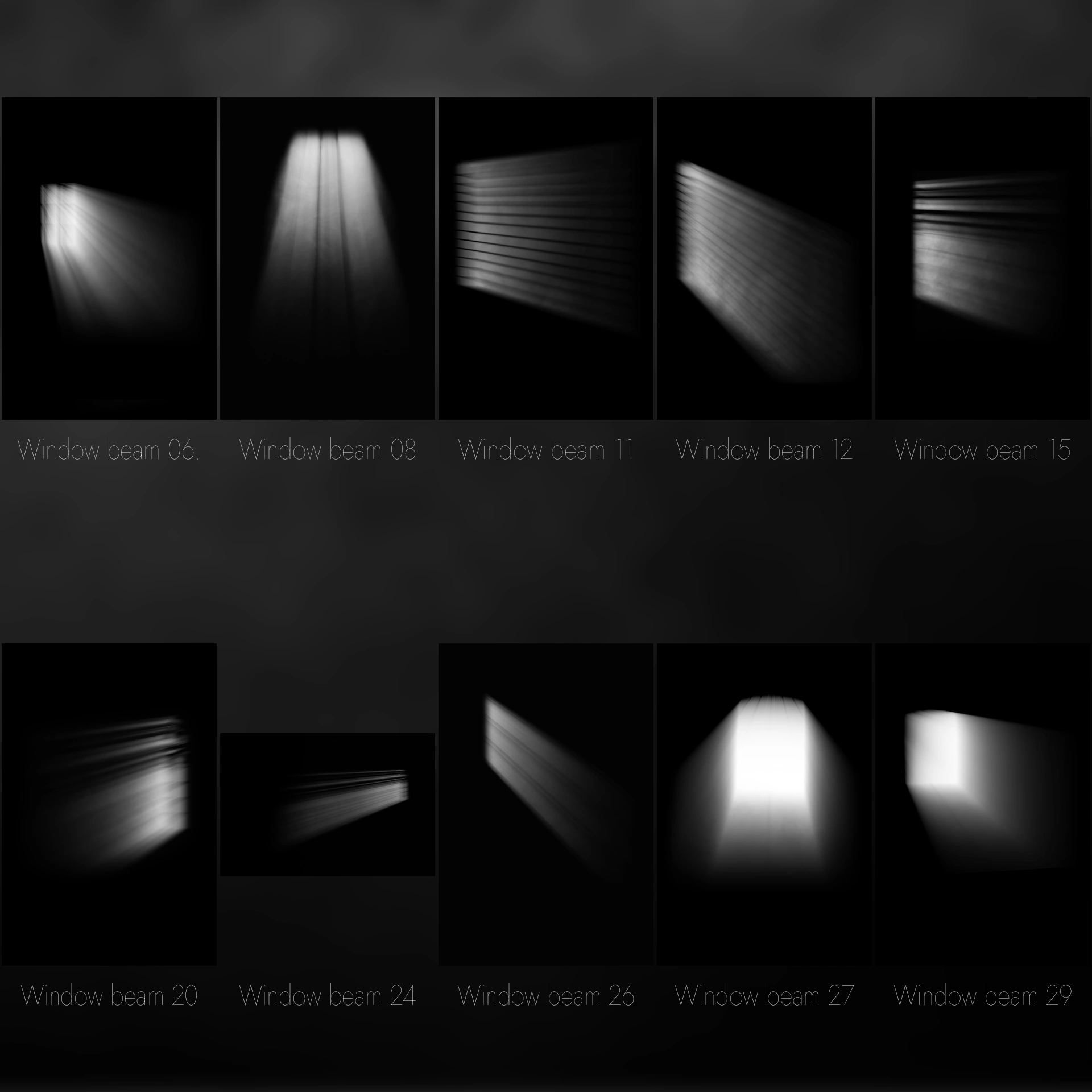
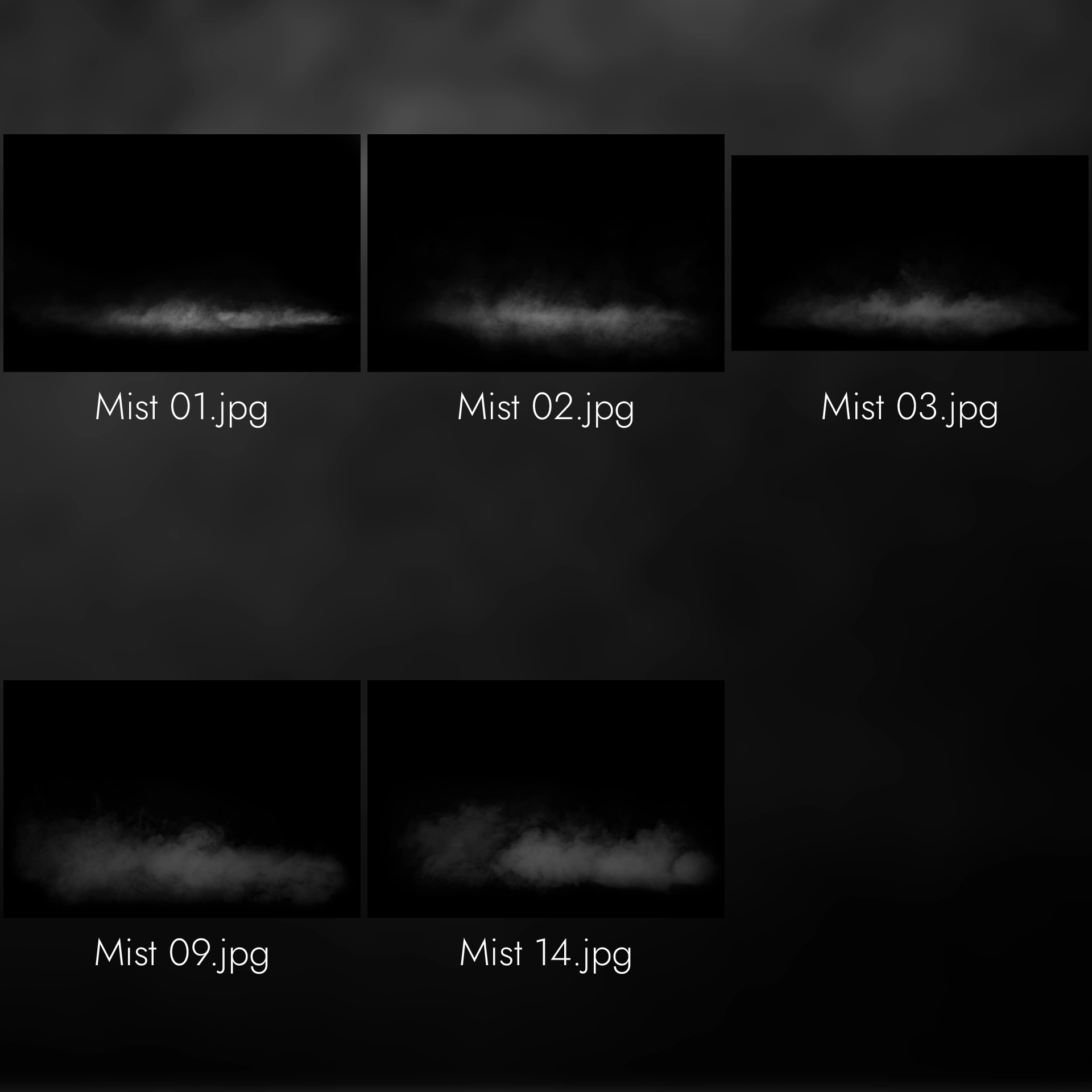
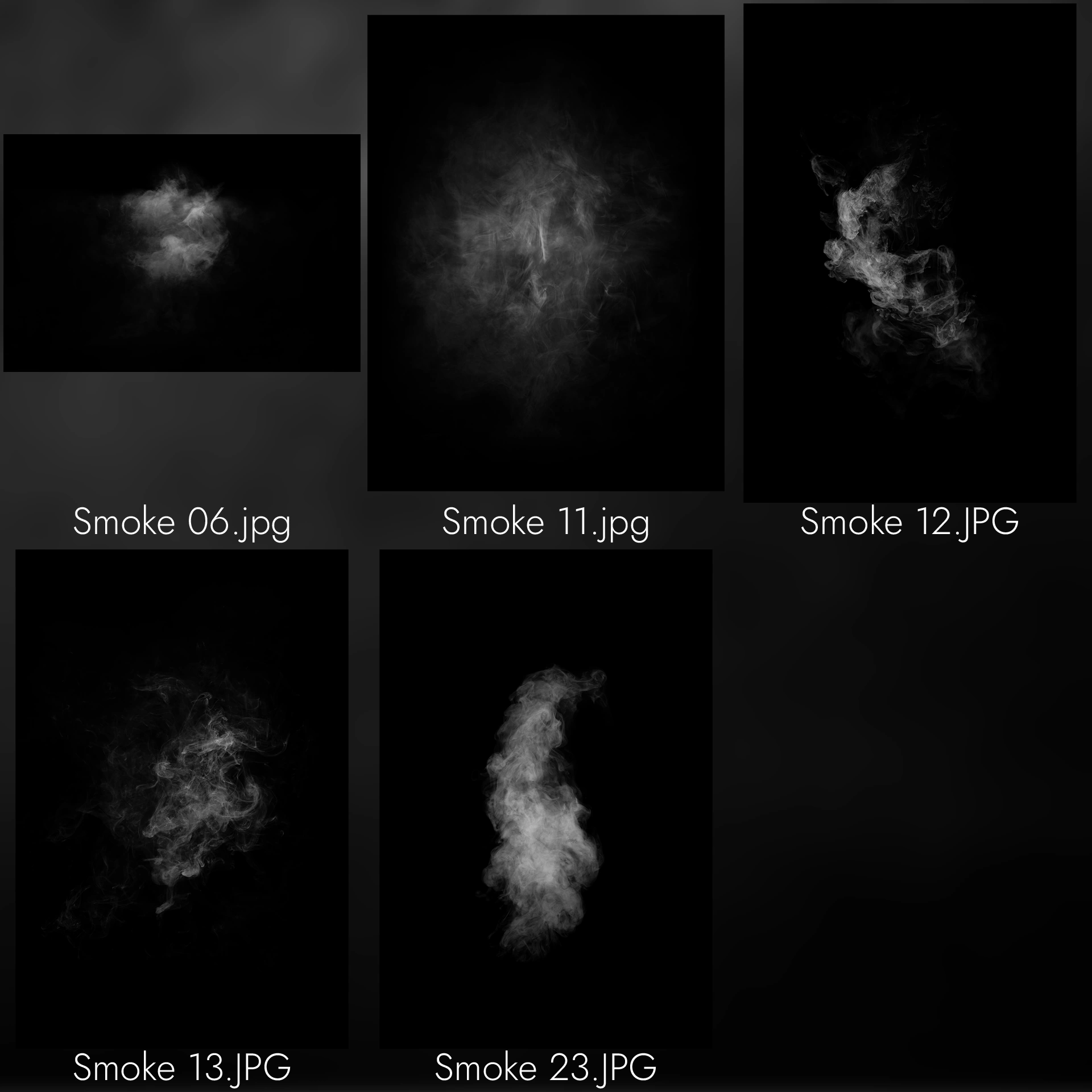
GOLD SELECTION (60+ Effects): Light rays, light, smoke, clouds, mist, fullscreen smoke and window beam textures designed to add breathtaking depth and drama to your edits.
Grab Attention for Your Photos!
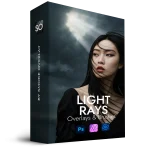
This bundle includes a selection from our top packs:
Scroll-stopping results in seconds
★★★★★ 4.7 / 5.0 Trusted by 1672+ Happy Photographers & Artists
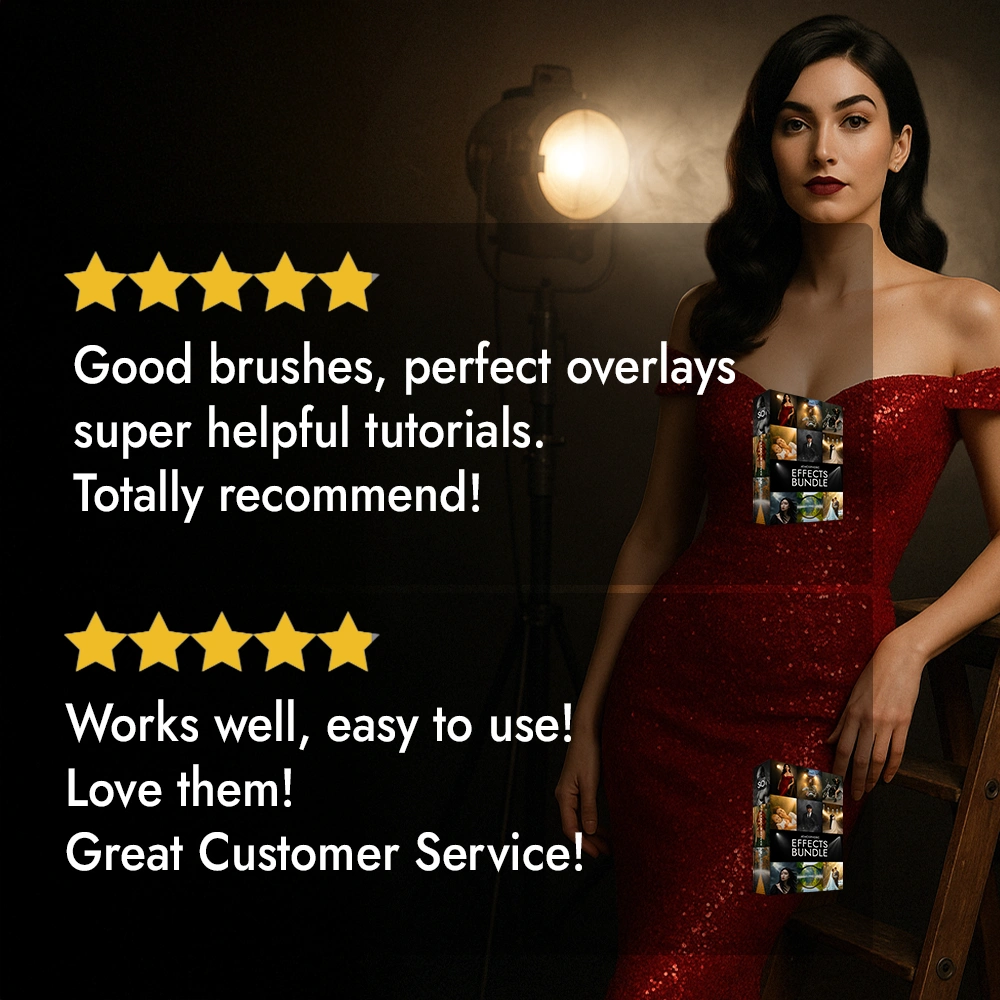
Great stuff to work with.
Amazing tools
You’re overlays are better than anybody else’s.
Nice collection.
Excellent easy down load and install great to use
Muy buen producto y muy buena comunicación ellos
Would def recommend was on the edge but glad I did
Super effects and there`s allot of hard work to get it right using them but rewarding
Awesome set!
Want to see more Reviews?
We’ve carefully selected the best high-quality effects, for endless creative possibilities in your photography.
| Features | Atmospheric Effects Bundle | Other Bundles |
|---|---|---|
![]() |
![]() | |
| Overlay Resolution | ✅ 50 megapixels (all effects) | ❌ Up to 20 megapixels |
| Quality | ✅ Professional, detailed | ❌ Basic |
| Video Tutorials | ✅ 5+ step-by-step tutorials | ❌ 1 basic tutorial or none |
| Subtitle Languages | ✅ 18 languages (English, German, Hindi, Indonesia, Turish, Arabic, French, Italian, Spanish, etc.) | ❌ English only |
| Photoshop Actions | ✅ 5 included | ❌ No |
| Compatibility | ✅ Photoshop, Affinity Photo, Photoshop Elements, GIMP, Zonerama, Photopea | ❌ Photoshop only |
| Commercial Use Rights | ✅ Use in Paid Projects | ❌ No |
| Free Updates | ✅ Yes | ❌ No |

Everything that I use in my profession as a photographer, my know-how and 8 years of experience, I have transformed into this bundle. These effects are of a high standard and are worthy of photo contests, advertising, graphic design, magazine photos or just to have beautiful photos.Prepare for an avalanche of breathtaking smoke & light effects coming your way!
Get GOLD SELECTION and GET 60 breathtaking effects for exclusive price!

Get our bundle today in this great deal because the price will go up soon.

Join 1,000+ Happy Creators

This information is valid for both the Windows and macOS versions of the software.
Overlays:
Brushes:
Library with overlays:
Actions:
Overlays & Brushes
Our overlays and brushes are fully optimized for every language version of your favorite graphic software, ensuring a seamless experience no matter which localization you use.
Tutorials
Want to transform your photos for good? Our tutorials are the key. They include English voiceover plus subtitles in 12 additional languages:
English | German | Spanish | French | Dutch | Danish | Finnish | Italian | Portuguese | Norwegian | Swedish | Polish | Czech.
Actions
Our Actions are designed to work perfectly across all language editions of Photoshop—unlike many competing Actions that only support English.
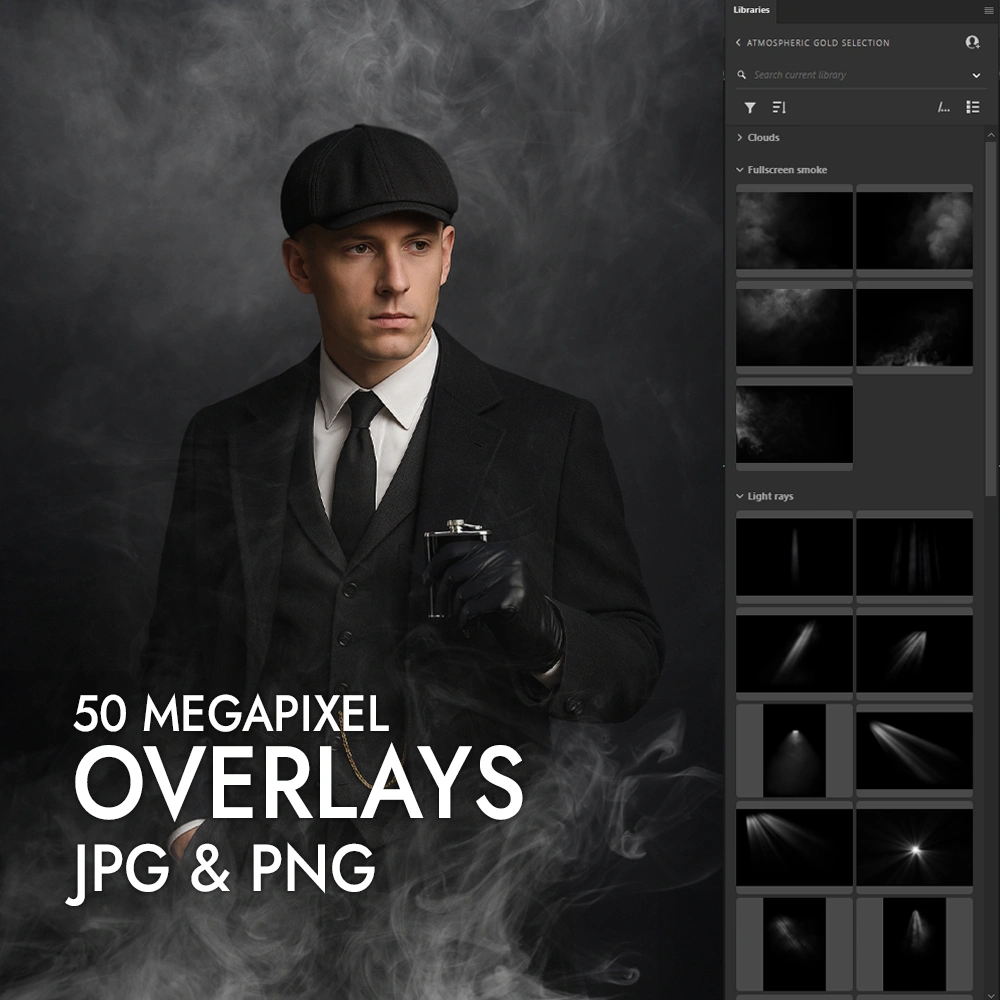
Overlays are high-resolution (up to 50 megapixels, or 8800px wide) image files you place on top of your main photo to create atmosphere – such as a mysterious smoke effect. You simply add the overlay as a new layer, then adjust the blending mode (e.g., Screen, Overlay, or Lighten) until it looks right for your scene.
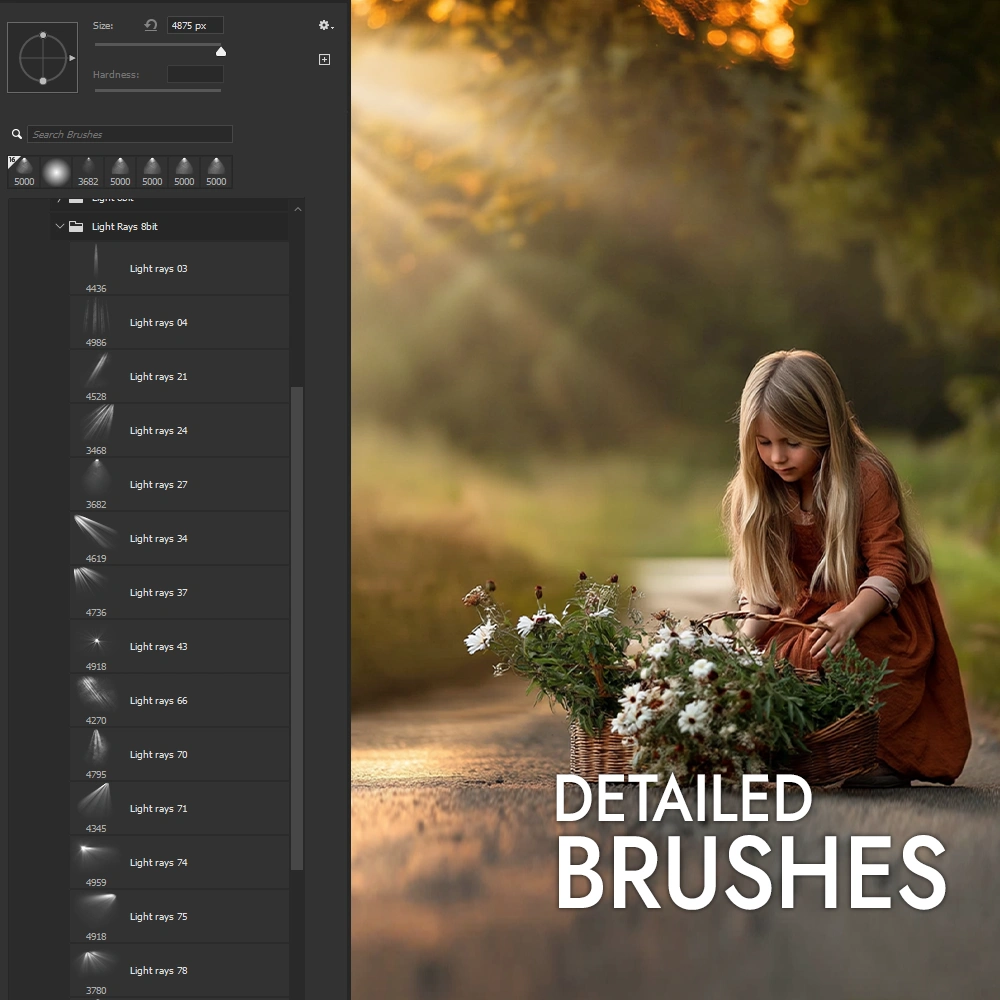
Brushes provide a faster, more direct way to paint effects onto your photo. They’re optimized for resolutions up to 25 megapixels (around 5000px). Instead of placing an overlay, you ‘stamp’ or ‘paint’ the smoke effect exactly where you want it, allowing for even finer control.
Don’t forget that you also need a graphics editor that can use blend overlays to edit your photos. We recommend Adobe Photoshop, Affinity Photo, but there are also free tools such as Gimp or Photopea.
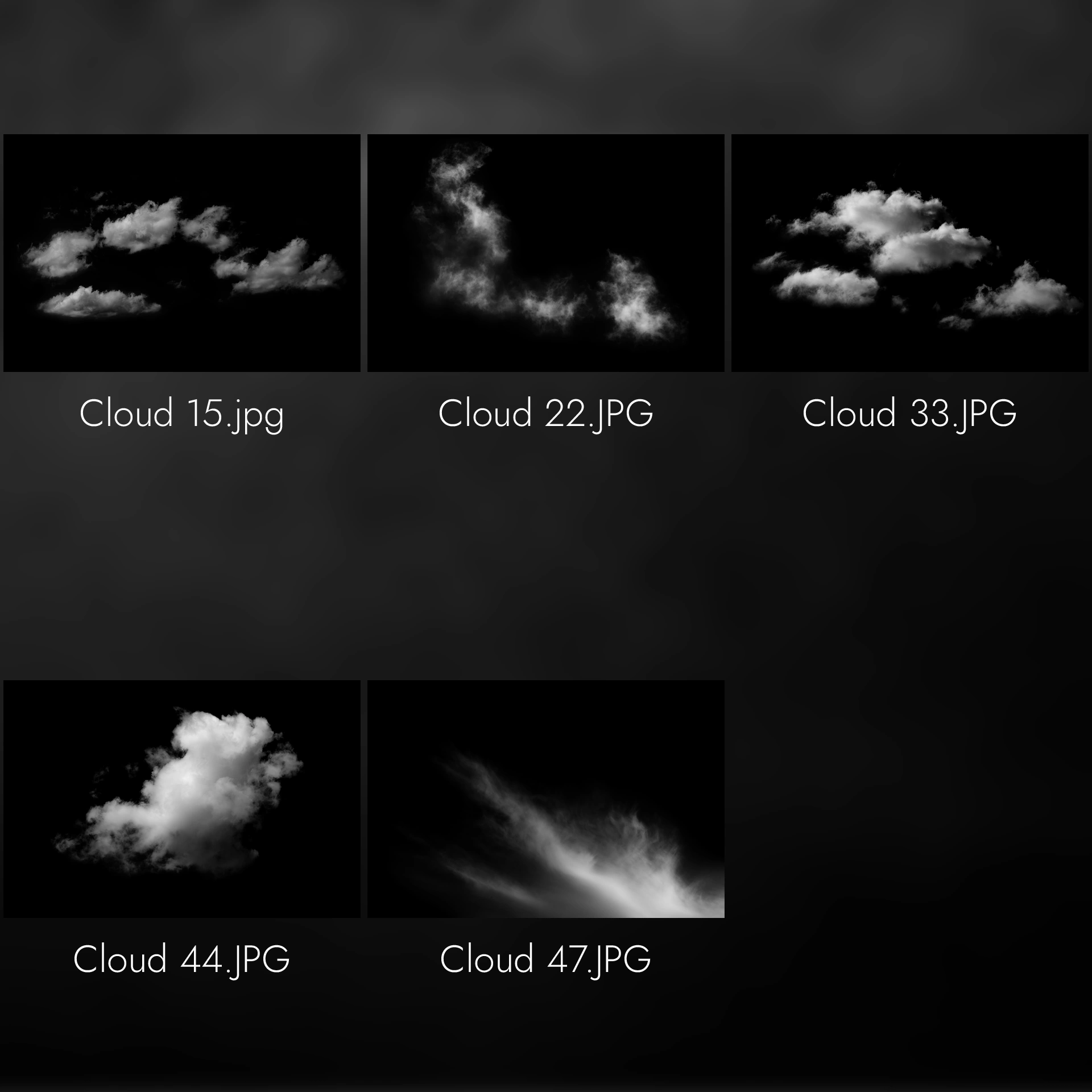
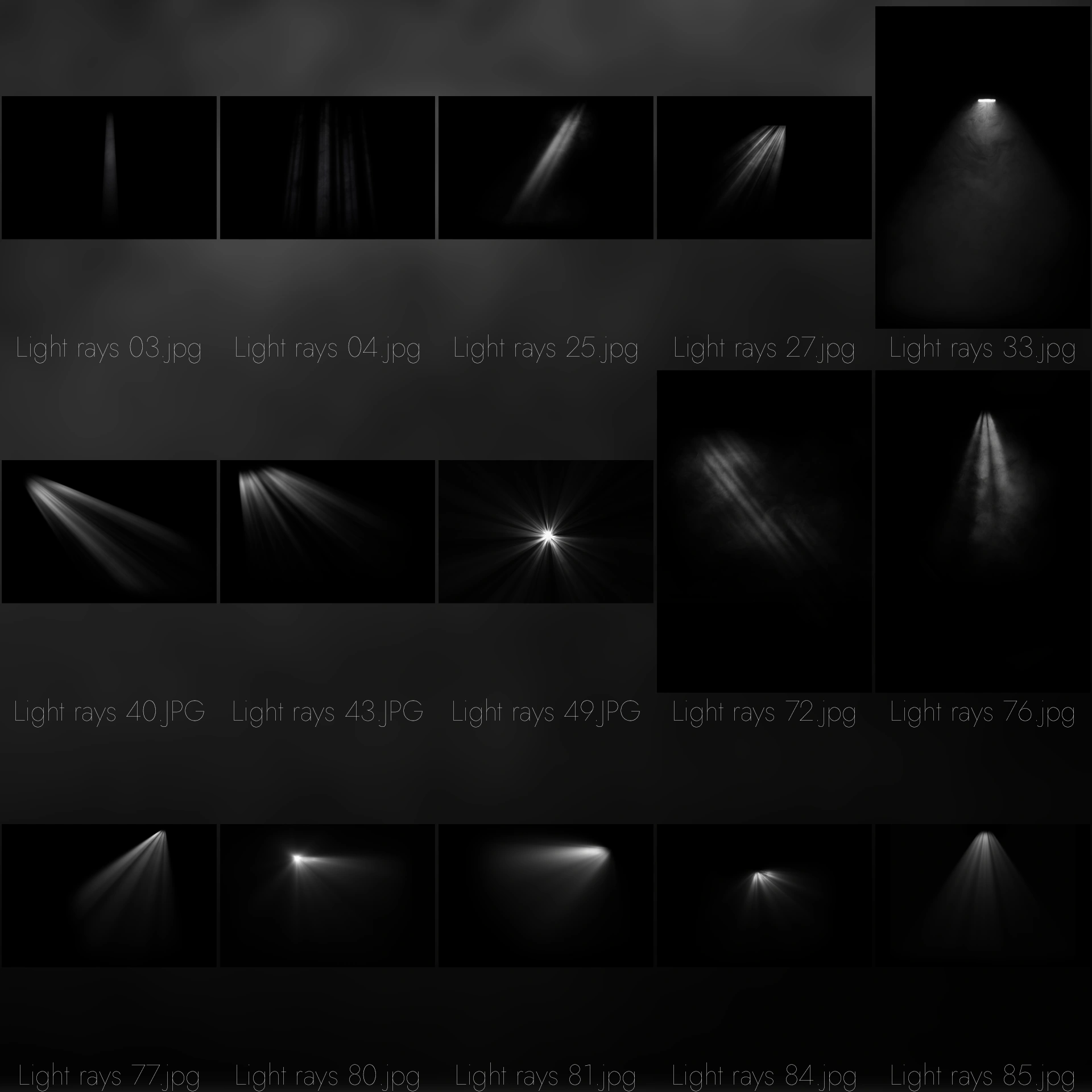
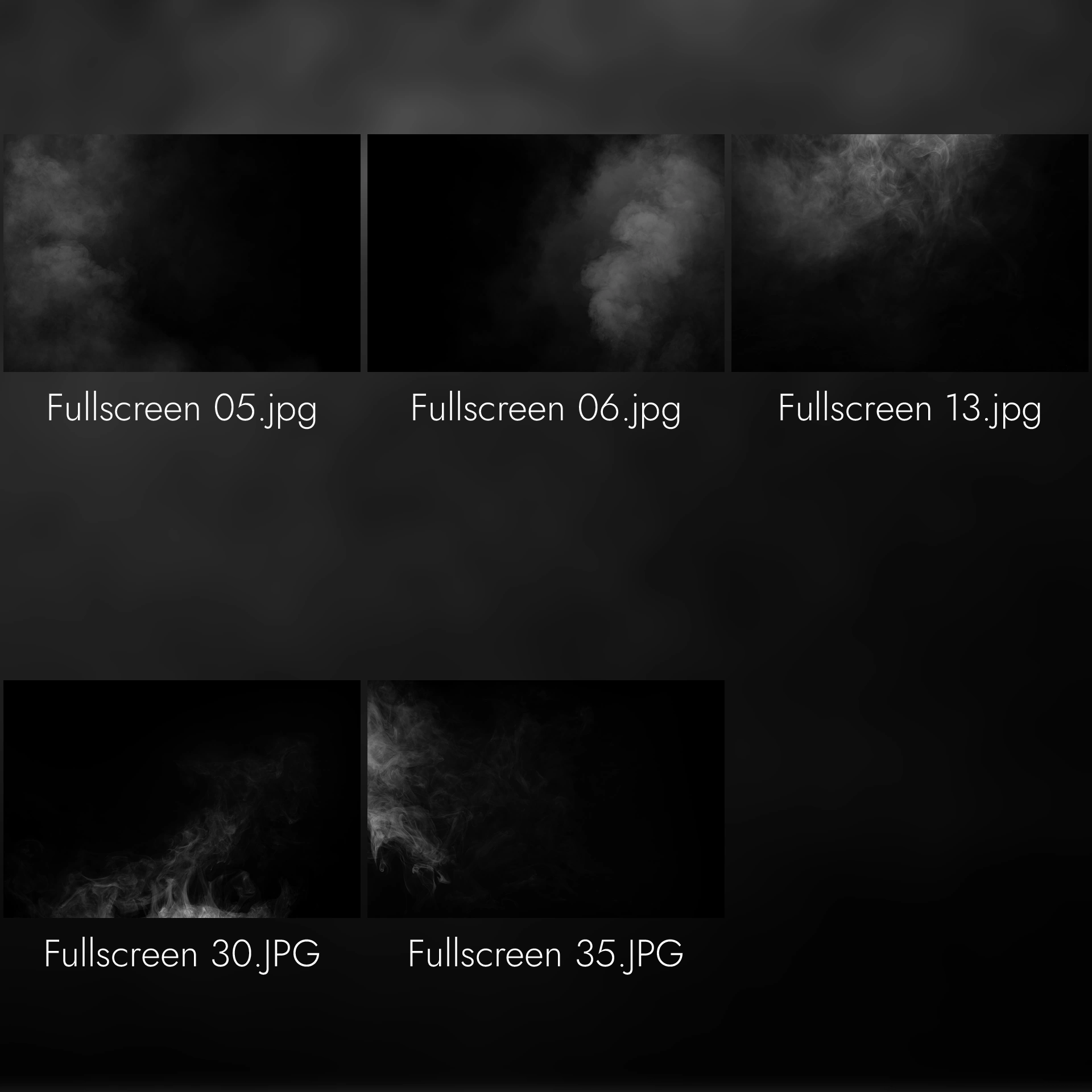
The bundle includes 7 types of smoke effects: Mist, Clouds, Light rays, Smoke, Fullscreen smoke, Smoke lights and Windows light beam
After purchasing the bundle, you will receive an email with a links to download the files (ZIP format).
You can drag and drop the overlays into your project in Adobe Photoshop or Affinity. In the case of Photoshop, you can import a library that contains all overlays in one file.
If you want to use the brushes in Adobe Photoshop or Affinity just import the ABR file. (See the video included in the bundle for a demonstration of importing into Photoshop and Affinity).
You can also find the download link here on the website by logging into “My Account“.
Yes, you can use the overlays and brushes in the bundle for personal and commercial purposes. You can use them in your photographic work, web designs, graphics and other artwork.
The bundle is licensed for the personal and commercial use of one user only. If you would like to share the bundle with other users, you will need to purchase an additional license.
| 5 star | 0% | |
| 4 star | 0% | |
| 3 star | 0% | |
| 2 star | 0% | |
| 1 star | 0% |
Sorry, no reviews match your current selections
We use optional cookies to measure performance and improve ads. Accept, reject, or manage your choices.