
Real reviews from photographers using SmokeOverlay
No hidden tricks. No AI-generated effects. Just handcrafted overlays and brushes made for photographers who want realistic atmosphere in their images.
★★★★★ 4.6 / 5.0 Trusted by 7429+ Happy Photographers & Artists

Why we still make effects by hand
We’ve spent the last years building SmokeOverlay by hand... testing smoke shapes, light behavior, edges, opacity, texture, and real-world usability in Photoshop, Photoshop Elements, and Affinity Photo. In a time when AI can generate almost anything instantly, we still believe photographers deserve effects made with care, consistency, and control.
Jan Oplt
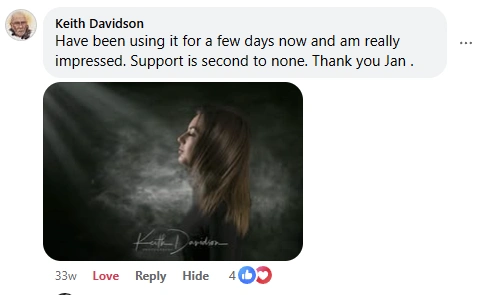

4.6
Based on 480 reviews
| 5 star | 76 | 76% |
| 4 star | 16 | 16% |
| 3 star | 3 | 3% |
| 2 star | 1 | 1% |
| 1 star | 4 | 4% |
1-5 of 480 reviews
Sorry, no reviews match your current selections
Followed by 43k+ photographers on Instagram
SO
SmokeOverlay
@smokeoverlay
—Posts
—Followers
—Following
Loading posts…
I love it!
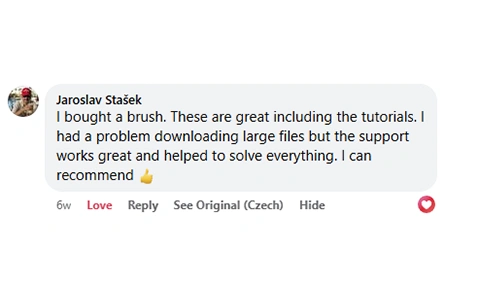
I can’t review the product because I’m having a difficult time downloading it into my Photoshop program.
Thank you for your message. I’m sorry the setup wasn’t clear right away.
I’ll also send you an email and guide you personally step by step. We’ll get it working together.
Thank you for your patience.
I can’t review the product because I’m having a difficult time downloading it into my Photoshop program.
Thank you for your message, and I’m sorry the download and setup process wasn’t immediately clear.
We do include a README link directly in the download menu, with simple video tutorials showing how to download the files and use them in Photoshop. However, I completely understand that it can be easy to miss at first, especially when opening everything for the first time. I’ll send you an email personally and guide you through the steps. It’s usually much easier than it looks, and I’ll be happy to help you get everything working.
These are super cool to play with.
Super awesome overlays and brushes. Especially love the library bundle where I can see all the overlays in one glance in Photoshop. And they’re 16-bit! Thank you for creating these!